Skip to content
View in the app

A better way to browse. Learn more.

Lara Croft Online Tomb Raider Forum

A full-screen app on your home screen with push notifications, badges and more.

To install this app on iOS and iPadOS
  1. Tap the Share icon in Safari
  2. Scroll the menu and tap Add to Home Screen.
  3. Tap Add in the top-right corner.
To install this app on Android
  1. Tap the 3-dot menu (⋮) in the top-right corner of the browser.
  2. Tap Add to Home screen or Install app.
  3. Confirm by tapping Install.

amg77

Members
  • Joined

  • Last visited

  1. thanks and waiting for support ?
  2. hope someone can help on it ?
  3. dont have any other earlier save to load before the nthis one very scary if i need to start again from bginning a new game ?
  4. i tried several times but always the same problem
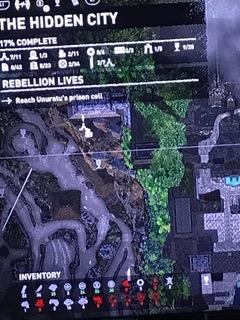
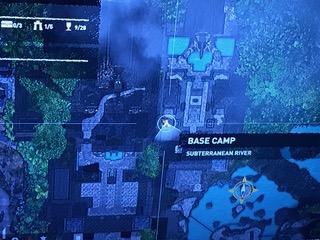
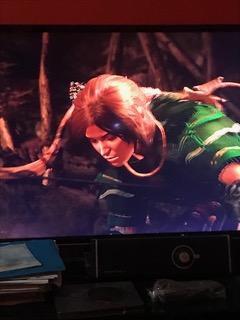
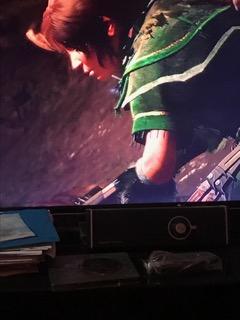
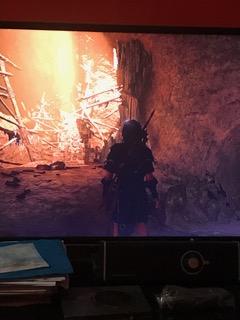
  5. hidden city : after few seconds after i drop the gun (see pics) screen come "black" n L3 cannot be used n so cannot walk ahead , all other commands works is it a BUg ? how to solve it ?
LARA CROFT ONLINE TOMB RAIDER HOME PAGE

© Lara Croft Online All rights reserved. "Serving Tomb Raider Fans Since 2001"

Lara Croft ® and Tomb Raider ™ are trademarks of © CDE Entertainment Ltd. All rights reserved.

Account

Navigation

Search

Search

Configure browser push notifications

Chrome (Android)
  1. Tap the lock icon next to the address bar.
  2. Tap Permissions → Notifications.
  3. Adjust your preference.
Chrome (Desktop)
  1. Click the padlock icon in the address bar.
  2. Select Site settings.
  3. Find Notifications and adjust your preference.