
loree
Members
-
Joined
-
Last visited
-
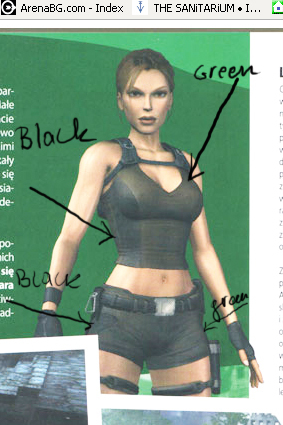
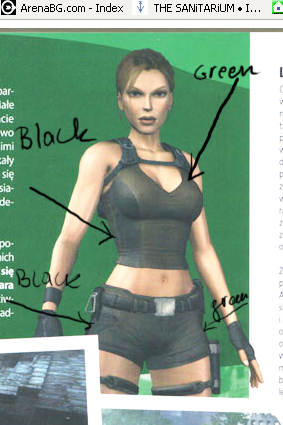
this is the new outfit/costume ... I found it on internet :-??
-
I agree with you...hmm,he should be a spy, don't u think? and he should be her boyfriend by the way...take a closer look at her outfit

-
umm I'd like to see her in Romania ...she never visited this place or in a graveyard
-
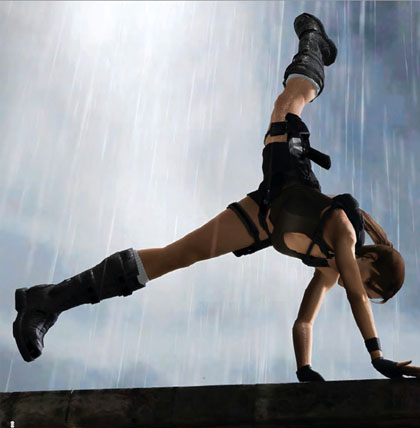
uhhh...I'd like her boots from Legend, -a new hair style...(or more) -new COOL outfits -maybe some rock music -a boyfriend for her:P -the both grapples from TRA & TRL... -soft makeup -new guns... maybe a knife -her PDA... -new moves/stunts/skills etc. -i like her long nails -maybe new vehicles -Zip,Alister and of course Winston... -and her voice shouldn't be changed I like Keeley Hawes' -maybe some vampires -uhhh more levels outside and inside of buildings -to rain...to be night...maybe to snow... -the game must be realistic right?!....then she needs to feed...to drink,to sleep etc. -emmm more wallpapers and trailers -and I wanna see her camping that's it
-
well i love her boots from legend and the catsuit


LARA CROFT ONLINE TOMB RAIDER HOME PAGE
© Lara Croft Online All rights reserved. "Serving Tomb Raider Fans Since 2001"
Lara Croft ® and Tomb Raider ™ are trademarks of © CDE Entertainment Ltd. All rights reserved.