
KatGamer
Members
-
Joined
-
Last visited
-
Thanks. Yes, I did get the trophy on the second game, finally.
-
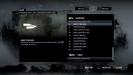
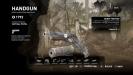
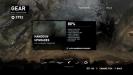
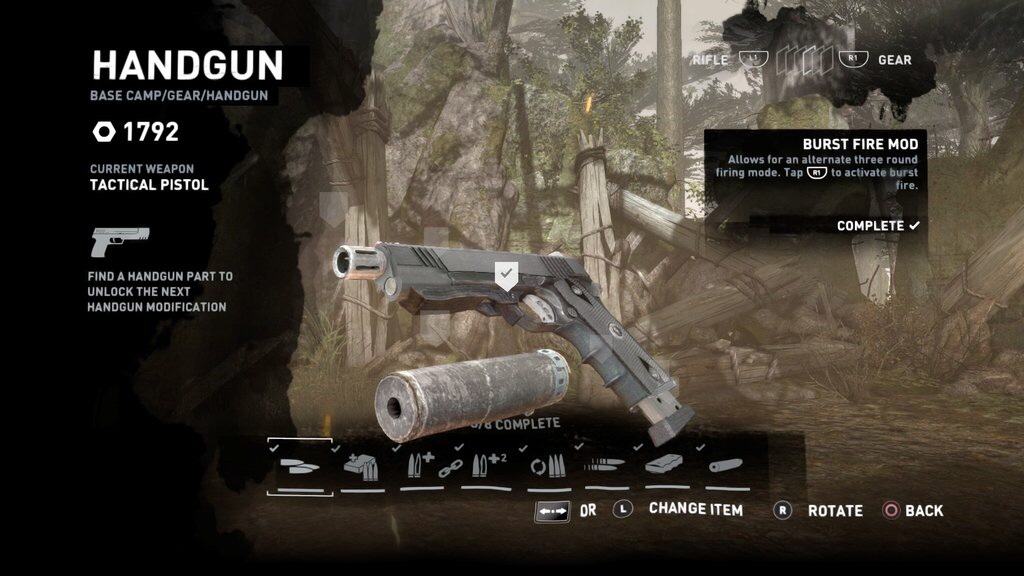
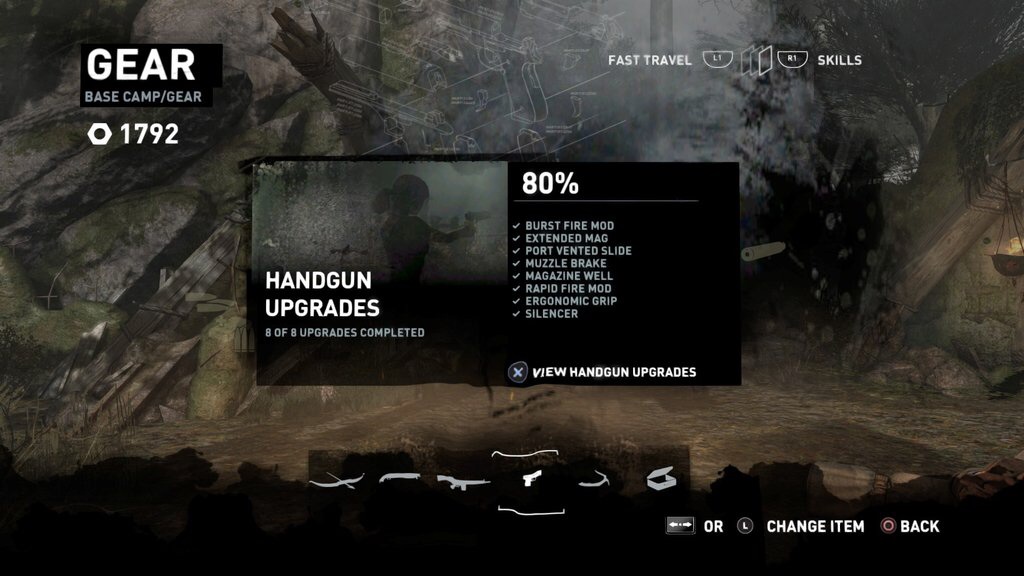
Here's some screenshots in case they offer you any hints. I am happy to report that in my second game I was able to get the handgun to 100% but I still don't have the trophy because I need enough salvage to upgrade the other weapons to 100% on that save file. I'll have to do that tomorrow as I don't have time today. Still don't know why this one is stuck though!
-
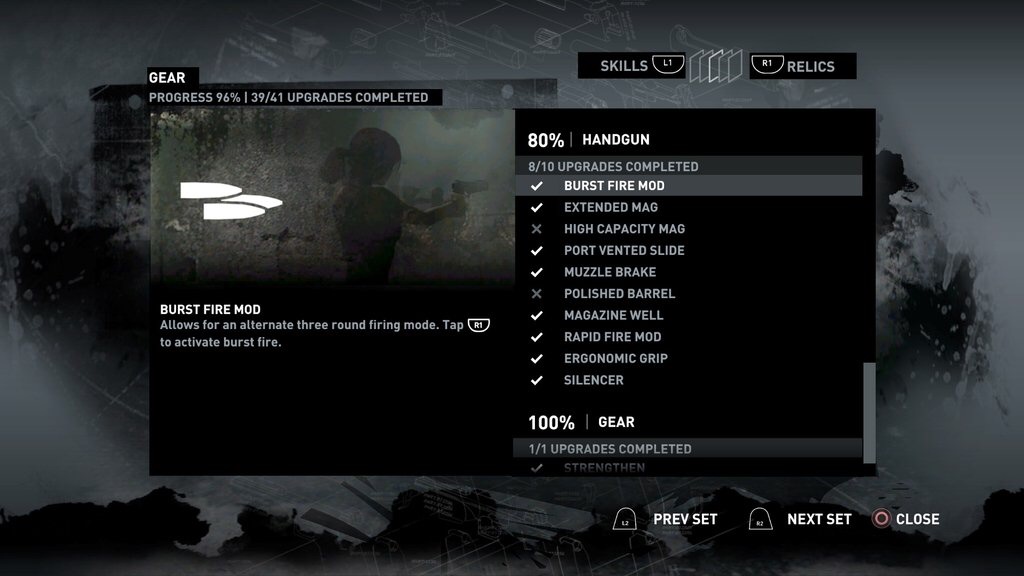
Hi. It does indeed say find another part, but I have 1700 salvage points from going around and redoing the tombs to make sure I didn't miss them. It's frustrating because it's the only thing keeping me from the all weapons trophy. I had a second play through going so I'm going to finish that one and see what happens.
-
I'm playing Definitive on the PS4. My entire game (including Cliffside Bunker) is at 100% and I have done all the optional tombs, but my handgun is stuck at 80%. I think it's still on Tactical and not Magnum. I went to Stella's site and used her walkthroughs to go back and re-do the tombs where the handgun parts are and still nothing. When I go to the Gear menu at camp, it says 80% handgun but all the upgrades available I've already bought. Is this a bug?

LARA CROFT ONLINE TOMB RAIDER HOME PAGE
© Lara Croft Online All rights reserved. "Serving Tomb Raider Fans Since 2001"
Lara Croft ® and Tomb Raider ™ are trademarks of © CDE Entertainment Ltd. All rights reserved.