
Donnadoobie
Members
-
Joined
-
Last visited
-
I did it! Thank you so much for your help Stella.
-
That’s great, thank you, I’ll give it ago. easy when you know how! Fingers crossed.
-
Just emerged from the flooded Archives and trying to get a document in top of a wooden platform. Walkthrough says use the grapple to climb up to get it but I can’t do it. I have tried jumping and pressing X but I just hop around throwing the grapple and it doesn’t attach. Tried standing under the platform and pressing X, nothing. what am I missing? Feeling a little stupid.
-
Solved for me, in case anyone else has had this issue. Found a fix on you tube. Fast travelled back to another camp then back to the radio tower. No glitches. Got back to Roth and am now following the blue signal smoke
-
Btw I am playing in Xbox one
-
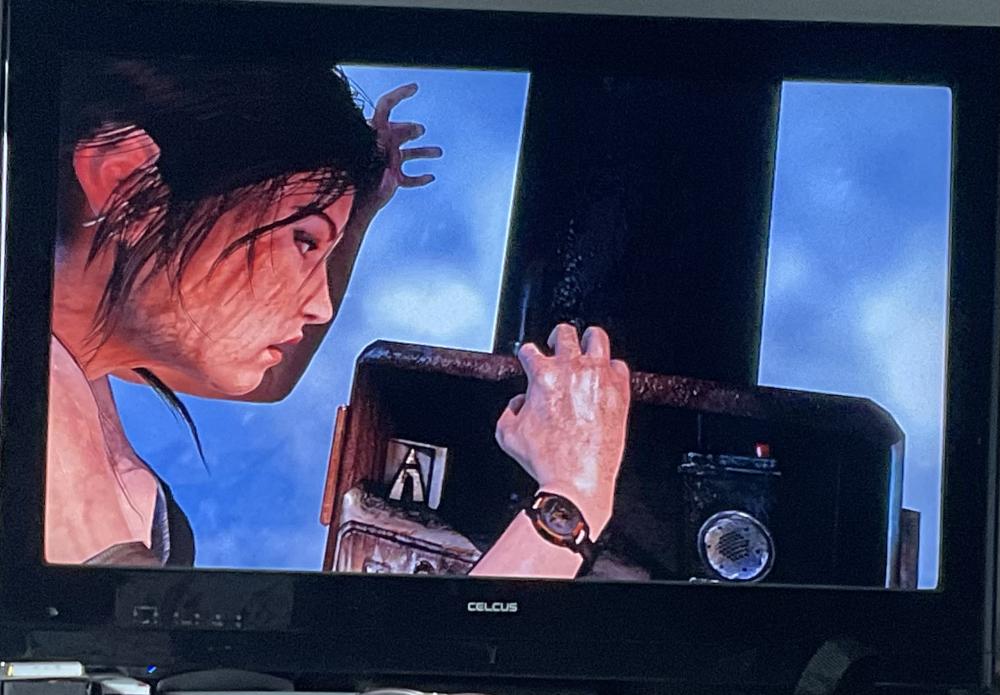
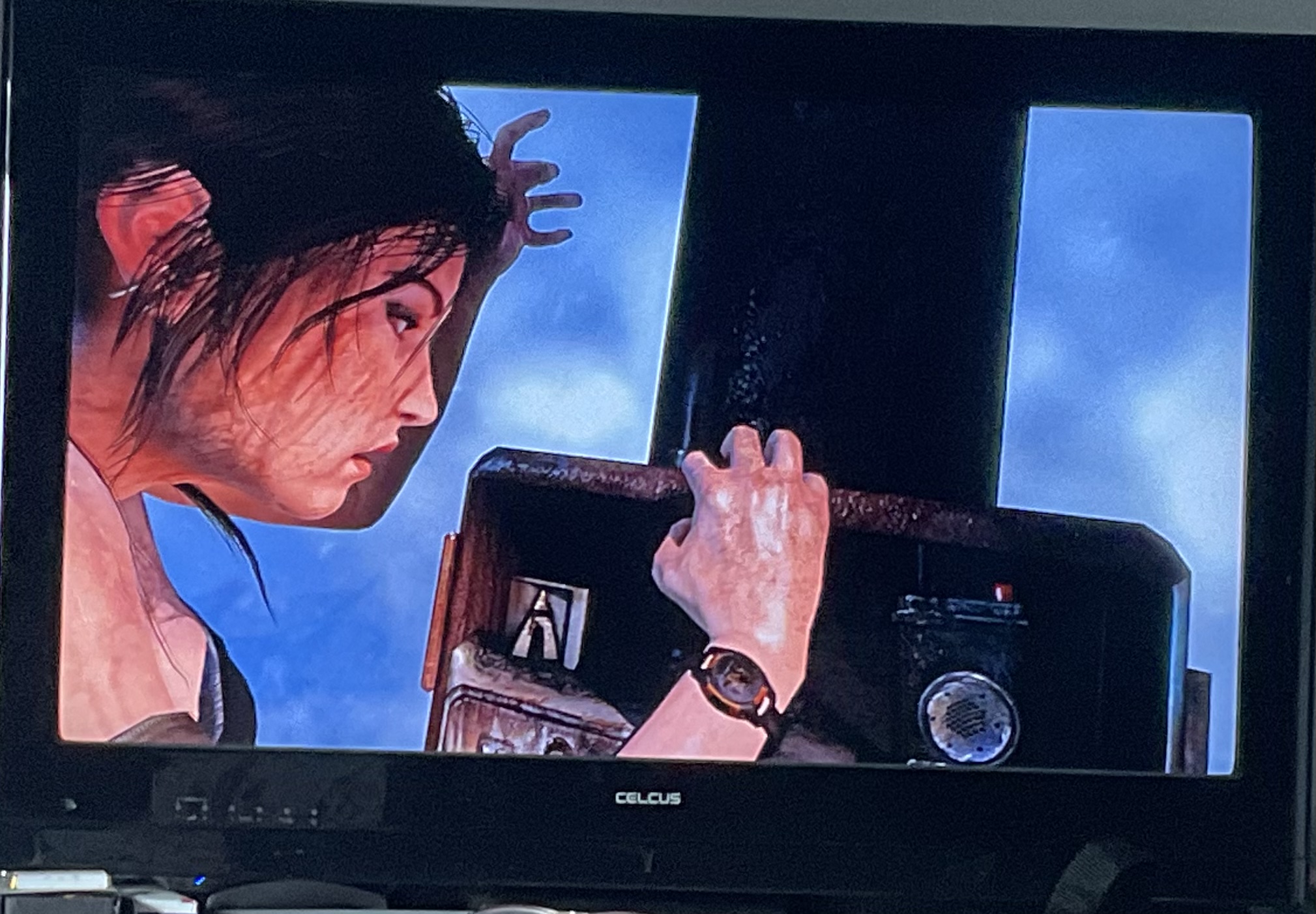
I am at the top of the radio tower trying to get the emergency channel. I think I have hit a bug or something, as no on screen instructions have come up and I can only move the dial a little bit. Picture looks weird too, like some of it is missing ( comparing to walkthrough screenshots) Any ideas? I have reloaded checkpoint three time, switched console off twice. going to leave it until later but so frustrating!
-
Thanks will have a look.
-
Finished 100% all all levels. I think I saw notification that game completion was 99.7% complete, after the last survival cache was collected. Is there any way to get 100%. What did I miss? Feel kind of deflated now it is over.
-
Which area? You can time travel from any base camp.
-
Ok, had another go here and discovered another way through. Instead of going through the original tunnel, to turn left and there is a drop, where you can jump and hold on with your axe, rappel down and you get into the Wareen, with no Yaaxil! Yay! Followed the tunnel from here, through the water and found the survival cache. Just need to complete another two challenges in first two levels and find another survival cache and I should have 100%. On 98% right now. Thanks for your help.
-
Thanks Stella, I will try to get back to it but feel it may not possible. Your help is greatly appreciated.
-
Trying to get stuff to get 100% completion. Missed a survival cache in Cenote level. Time travelled to the temple ruins and tried to make my way through the tunnel to the Warren ( the place where you are attacked by lots of yaaxil). I cannot get through the tunnel, the way is blocked with rubble and debris. May have to try another way round.
-
Thanks I will check out your map and compare. I hope I find it! love the walkthroughs btw. NB. Found it using your map. Document 20 in the Abandoned Village ‘Covering the Tracks’. Thank you, would not have found it without your map.
-
I have completed the games, killing Dominguez. I have not completed 100% and stats say am missing a document from the hidden city. I am thinking it may be in The temple if the sun challenge, I seem to remember one not being there as described in the walk through ( two monkeys?) How can I find which one is missing? it’s not showing in my map. I can’t find a list of the ones I have, can I do this? May just have to complete without. Will kind of miss the inhabitants of Paititi. Enjoyed this game.
-

LARA CROFT ONLINE TOMB RAIDER HOME PAGE
© Lara Croft Online All rights reserved. "Serving Tomb Raider Fans Since 2001"
Lara Croft ® and Tomb Raider ™ are trademarks of © CDE Entertainment Ltd. All rights reserved.