
BethanyCroft
Members
-
Joined
-
Last visited
Everything posted by BethanyCroft
-
Yeah i miss the old Lara too but the new Lara is really cool and the environment is way better that AOD or the other TR games but im quiet fond of AOD it was the first TR game I played.

-
Thanks I think that should help.
-
Thanks it's just after i got up on the ruins i get stuck and can't find were to go.
-
I hope Kurtis is in TRU but i don't think it should take a big part in it but i do think Amanda will be in TRU.
-
Ok no one laugh I can't beat the first level of Tomb Raider Anniversary i've got where the T-Rex is and beat that but i can't get any farther i know where to go i just can't get there i got up on the ruins but then i get stuck.Help
-
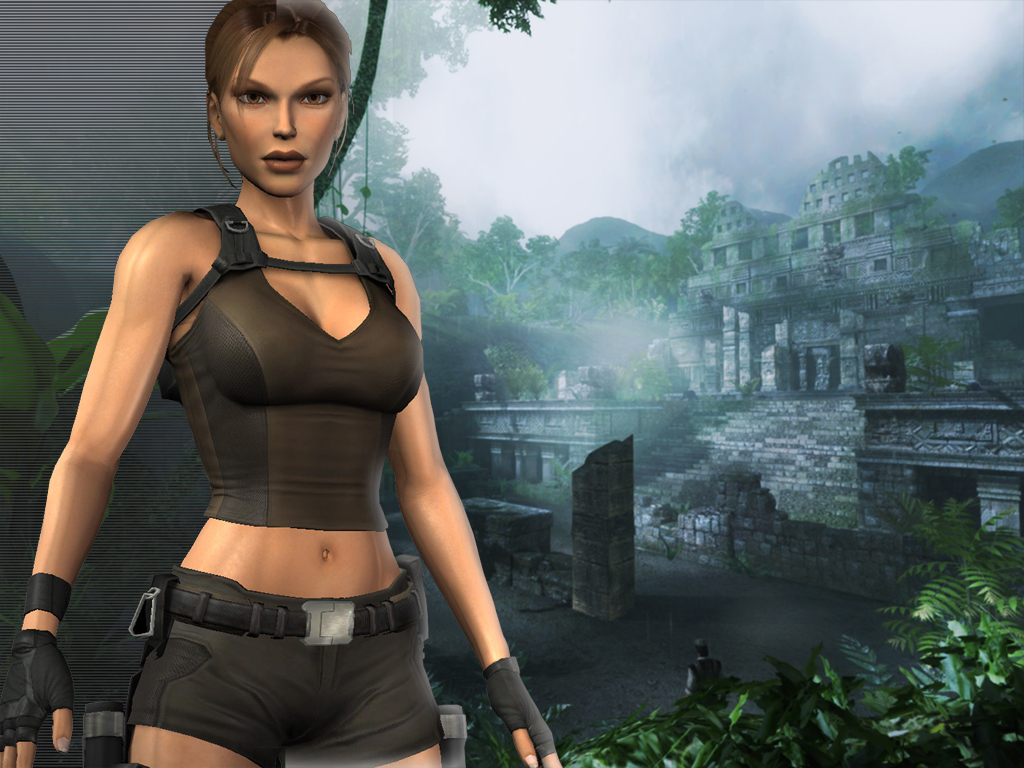
LARA DOES NOT LOOK LIKE SHE'S 50 .She looks like a real person instead of some of the older games,in legend she looked like she was 15 17 at the most don't get me wrong legend is my favorite Tomb Raider but she did look quiet young to young.
-
I would be angry to after what happend at the end of legend.Lara does look a lot more real in Underworld I didn't like the way she looked in Anniversary.


LARA CROFT ONLINE TOMB RAIDER HOME PAGE
© Lara Croft Online All rights reserved. "Serving Tomb Raider Fans Since 2001"
Lara Croft ® and Tomb Raider ™ are trademarks of © CDE Entertainment Ltd. All rights reserved.