
Sophia
Members
-
Joined
-
Last visited
Everything posted by Sophia
-
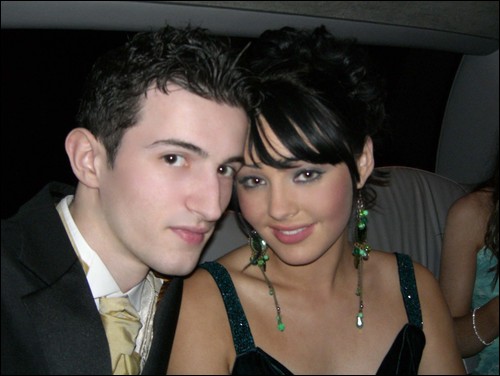
aw you and your husband look so adorable Kimioko! Here's a picture of my beloved boyfriend and myself at my debs(prom) last year

-
Rabbits are beautiful creatures, would you prefer lots of infected rats in your back garden, ugh!
-
The latest final fantasy game but ffx is better! My favourite after TR of course
-
You're pics are brilliant Lara_I WANNABE_Lara! We had a wax museum in Dublin once, oh dear the wzx models were plain ridiculous looking! They looked nothing like the celebrites they were supposed to!
-
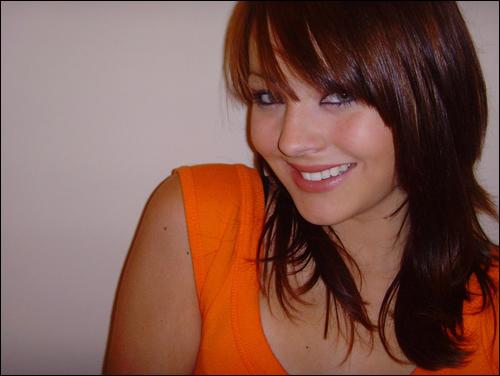
I just saw the pics in the members gallery, lovely! Can you you out this one up as my pic, thanks

-
I've been gone a few years now and my display name has changed from Lara_gal to Lara_Legend missed this place soo much
-
Hello everyone, I'm Sophia aka Lara_Legend and I'm from Ireland. I was a member here a few years back but I'm much older now and still love Tomb Raider I tried to log into my old account. My Display name was Lara_Gal but I'm not 100% sure if that's how I phrased it. Anyway it's great to be back! :

LARA CROFT ONLINE TOMB RAIDER HOME PAGE
© Lara Croft Online All rights reserved. "Serving Tomb Raider Fans Since 2001"
Lara Croft ® and Tomb Raider ™ are trademarks of © CDE Entertainment Ltd. All rights reserved.