
Guested Account
Members
-
Joined
Everything posted by Guested Account
-
how about you come up to the intersection and you want to make a right turn; there is a car in front of you and he doesn't turn (in Texas you can make a right turn on red as long as you come to a complete stop first and as long as it's safe to turn); then when the light turns green, he finally makes the turn which he could had done a couple of minutes earlier OR then when the light turns green, he goes straight; if you are not gonna make a right turn, DO NOT hold up the right lane, get in the CENTER lane
-
I have officially said goodbye to Time Warner/Comcast Internet Service and Cable TV Service; after years of putting up with their crappy unstable service. As of yesterday, I am now on Fiber Optic service. My Internet Speed with Time Warner/Comcast was: 6576 Kbps or 6.6 Mbps download 400 Kbps or 0.4 Mbps upload The new speed is now: 37,690 Kbps or 37.6 Mbps download 1700 Kbps or 1.7 Mbps upload I just downloaded a 302 MB movie trailer in 9 seconds!! more info here: http://www22.verizon.com/content/consumerf...+and+prices.htm http://www22.verizon.com/content/fiostv/ab...out+fios+tv.htm http://en.wikipedia.org/wiki/Verizon_FiOS
-
I agree it looks better but most here thinks Lara looks too green and she looks like a Frog!!
-
check your wireless router settings did you install the router software and wireless card software correctly also go here and check your status, signal, configuration and logs: http://192.168.100.1/signal.htm finally more info here listed by ISPs: http://www.dslreports.com/ also check your UL and DL speed: http://www.testmy.net/tools/test/d_load.php http://www.testmy.net/tools/test/u_load.php
-
what kind of High Speed Connection? Cable? DSL? Is it connected directly from the wall to the Cable/DSL modem and then from the Cable/DSL modem to your PC or is there a wireless router in between the Cable/DSL modem and your computer? What kind of firewall are you using? Zone Alarm Windows XP Firewall or others Do you have Norton Internet Security?
-
welcome Kïmíokø you must be an Athlete
-
you may need to upgrade your Flash Player to Version 9 http://www.adobe.com/shockwave/download/do...=ShockwaveFlash
-
YouTube got purchased by Google and now Google is in charge and they will not allow anything that is copyrighted or violent or too sexy: tv clips, news clips, clips from movies, clips from music videos, homemade video using copyrighted music in the background, homemade video spoofing a real movie (a member at another forum made a video of himself spoofing the matrix movies BUT he did not use any ACTUAL clips from the REAL Movie and it's been removed) Google thought they could make a ton of money and expand their horizon by purchasing YouTube, a real popular internet site BUT now with all these new rules they put in place, IT WILL JUST BE A MATTER OF TIME all the regular YouTube Uploaders and Users are going to look for another FREE Video Hosting site that has NO Rules.
-
yeah I think you are correct; the white thing is the rubber band that ties her ponytail together
-
someone get these people a life!!
-
http://www.laracroft.us/gallery/pictures//...dition/9999.jpg
-
by the time it comes out I will be too busy to play it... hope it comes out before May 2007!!
-
I wholeheartedly agree, Morpheanne!! This is list is compiled by people who don't know anything about good games and probably don't have enough brain power to play a good challenging game that requires thinking and skills. This list should be burned!!
-
Final Fantasy Tactics Vandal Hearts Chocobo Racing Chrono Trigger EECH Enemy Engaged RAH 66 Comanche vs Hokum 52 (PC Game of the year 2000) and a couple of flight simulators come to mind too like Ace Combat Novalogic Apache
-
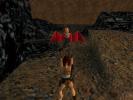
Didn't I already killed you 10 years ago, you B****?!?
-
I have no idea what happened here!!

-
check out www.gamestop.com or www.ebworld.com or www.amazon.com or other online retailers; many of them still carry the original TR games (PS edition) used!! try EBAY too!!
-
In My Opinion, 2/3 of the games listed on this list which were picked by IGN readers SUCKS!! Furthermore, 3 great games are missing: Tomb Raider Sonic Parasite Eve http://top100.ign.com/2006/index.html Also, Final Fantasy 7 and Resident Evil (THE FIRST ONE) should be on the TOP 5 List yet they are not even on the Top 10!!
-
a few of us are in Chat now!!
-
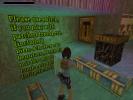
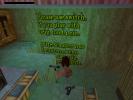
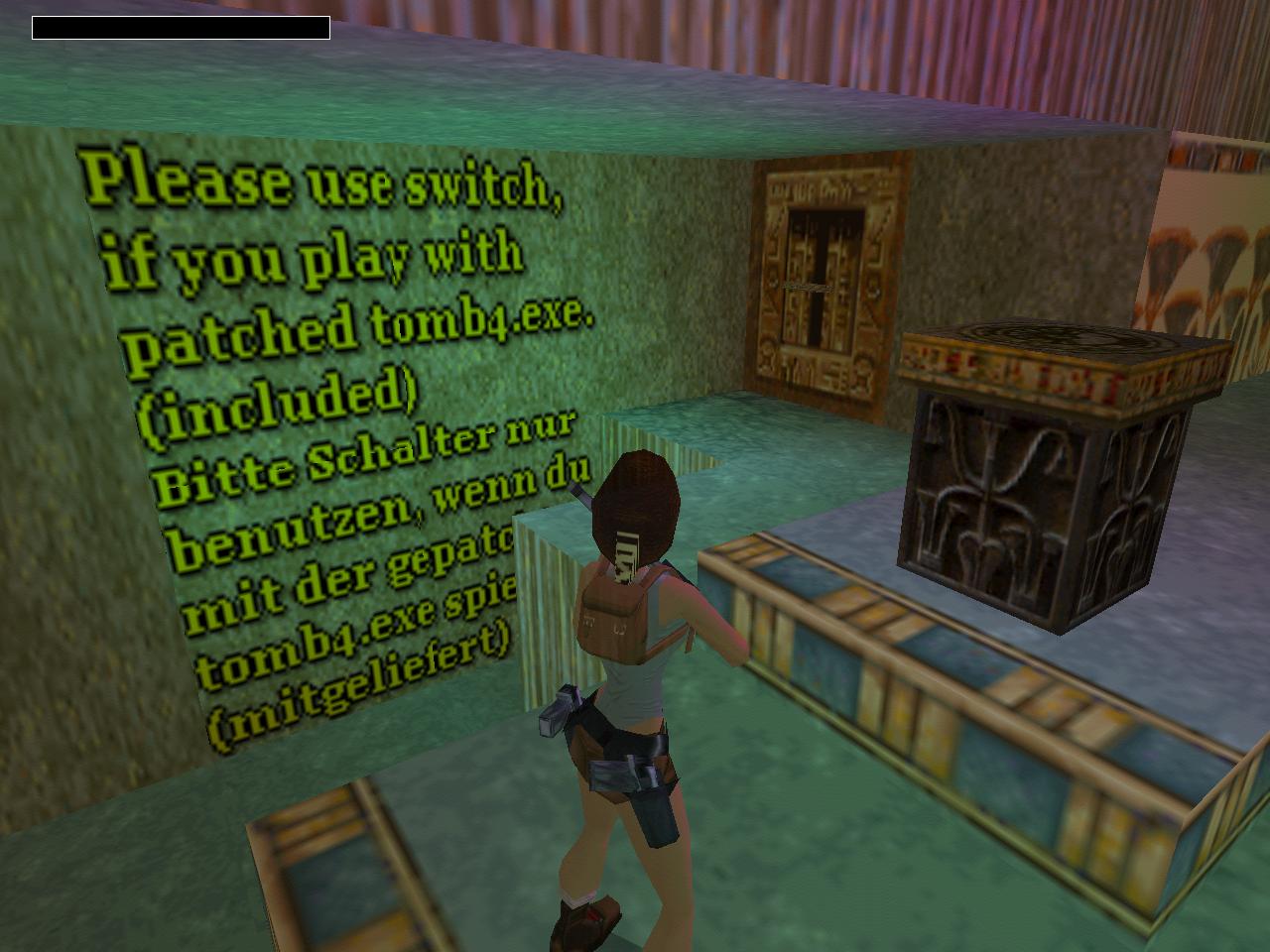
Which switch should Lara pull?
-
have you tried reinstalling the software driver and then updating them? remove your sound card from my computer/hardware/device manager and shut down and reboot the computer; it will automatically reinstall the software driver for it (or it may ask you to install it from the recovery disc that came with your PC). see if that works.
-
Well I do go to the Gym sometime and I also follow a strict healthy diet of Donuts and Ice Cream and Pie; plus Andrea keeps me busy and active around the house!!
-
who's was bugging me to see me in my swimming trunks?
-
hey it's Nicolas Cage with long hair and beard and moustache!!
-
thank you Hardkore


LARA CROFT ONLINE TOMB RAIDER HOME PAGE
© Lara Croft Online All rights reserved. "Serving Tomb Raider Fans Since 2001"
Lara Croft ® and Tomb Raider ™ are trademarks of © CDE Entertainment Ltd. All rights reserved.