
ghostrider
Members
-
Joined
-
Last visited
Everything posted by ghostrider
-
HAPPY THANKSGIVING EVERYBODY

-
Hey i have the first ps2 and it has been calibrated 2times and is still going strong and my boys hammer it when playing games so if i had to buy a ps3 to play TR8 i would , I think that the PS3 is the the cheapest blueray player ive seen in australia .

-
Hi there ,look im no expert but u could try to reinstall IE6 & outlook because they are one program.Also have u thought of installing IE7 , also have u tryed to google your problem as i had trouble with outlook and googling help me so let me know how u got on. heres a web site that helped me www.pcworld.com
-
I love it
-
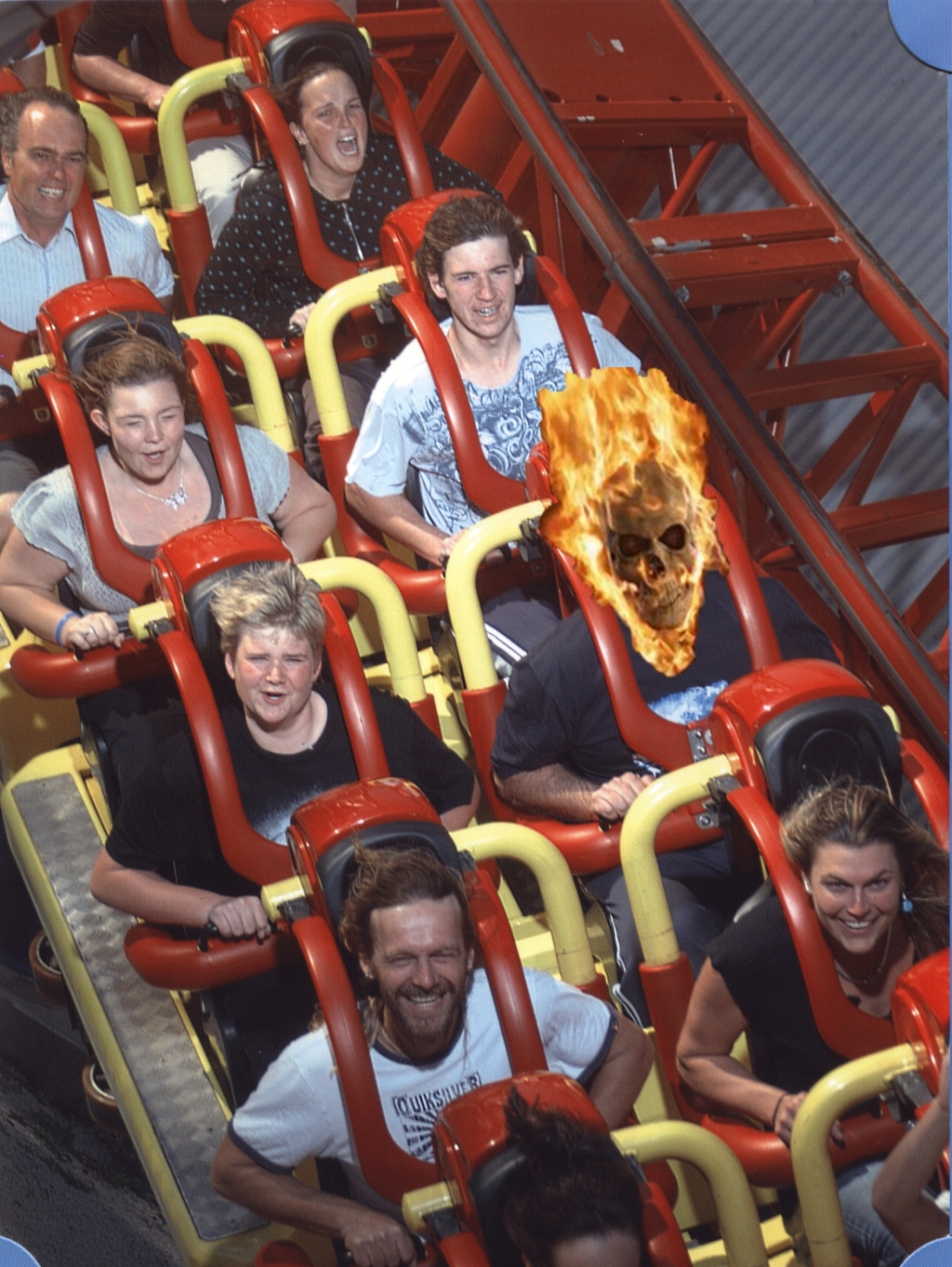
Heres a pic from our holiday in Queensland LOL

-
WELL DONE all it takes is a bit of time and paitents
-
Check your game settings it will proberly be the problem, let me know how u go .Because if u have no problems when u r using the keyboard when not playing games then it seems to be there where your problem is
-
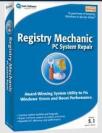
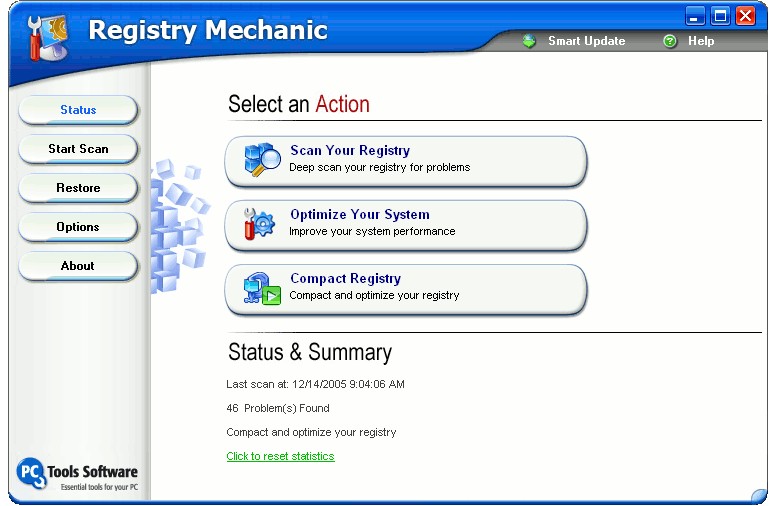
I get the odd error message, but since ive been using PCTools registry mechanic 5.0 and turned of my auto updates since i read that the updates if not download fully they runamuk on you PC,ive had no real problems so if u want a chat send a message

-
Is it a new keyboard or have u installed new software is so it may have changed your setting on your computer this is only a guess
-
All ived used is "paint.net 3.08" for my editing its small but a powerful program and it members post some good pluggins have a look This one of them
-
Im at the The Coliseum And what a game ive been playing the first one ,and Anniversary is great when i finish it i will play it again to get all the secrets LOL

-
Can i ask a question? Is the the TR8 movie clip that i saw on youtube called TR mist of avalon,is this the new release? or a hoax???
-
Hi i run CA suite,spybot,spyware blaster,PC tools registry mechanic and touch wood ive had no problems but i also have to reformat my HDD 6 times.So now im very careful about what i down load by checking the software out on forums so i dont get caught
-
Its good to see where credit is due well done TOM
-
I playing TR1 again
-
Have u tried looking on the web for directX9 to run with directX10 as ive been told that they will run side by side with each other.This information comes from a mate that has vista and is a gamer,but iwill say this u might struggle with vistas settings GOOD LUCK

-
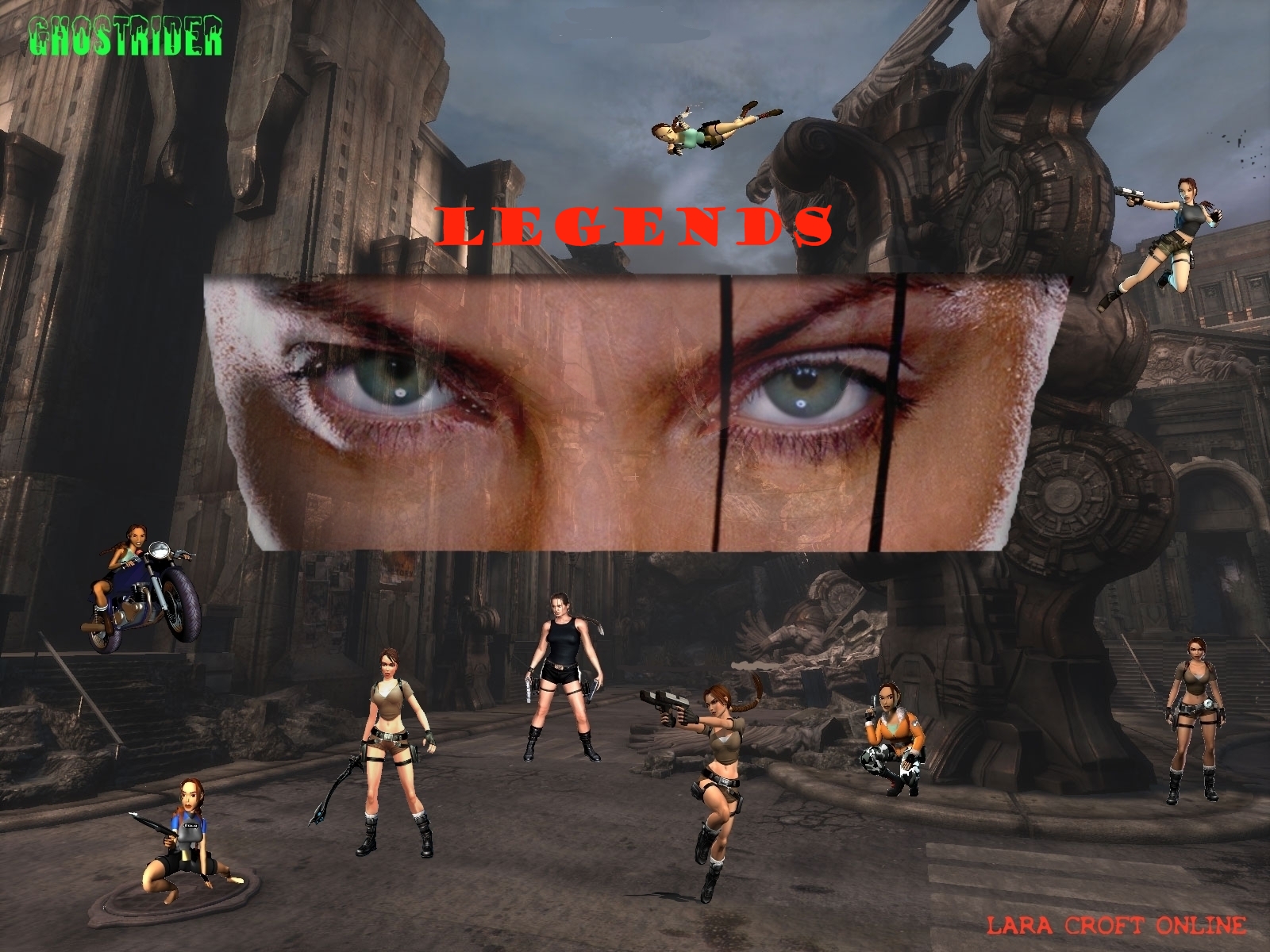
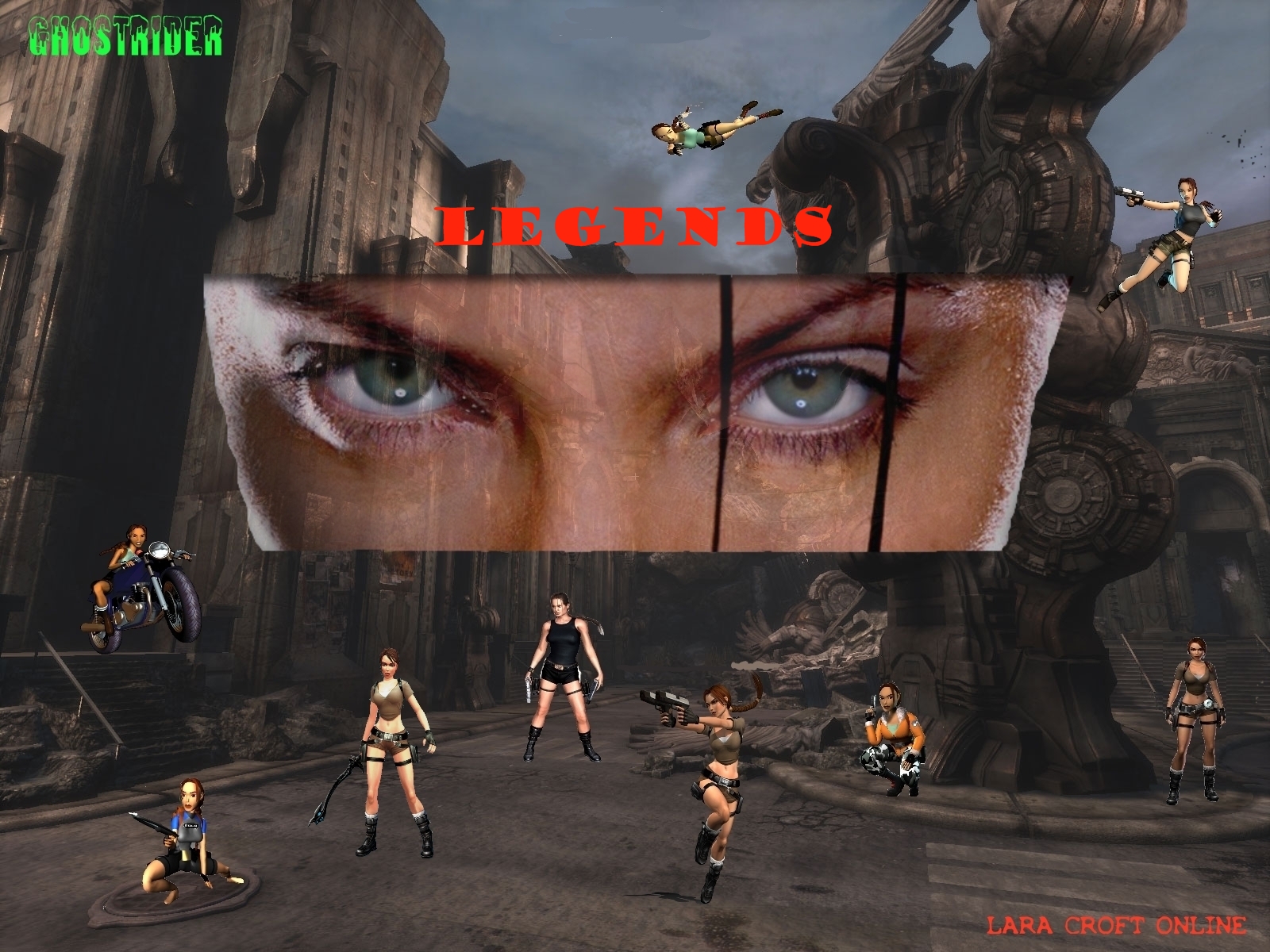
My legends
-
Try this one out, i have this one Hi-res pic

-
You know what im going to do when i get the game,Im going to tease my kids LOL Then im goning to just read the manual and soak in the momment knowing that i have a copy
-
TombraiderII was the best 4 me only because it took soooo long to play,I hope they make that a remake

-
Yer i had look it looks cool

-
maybe u should look for a sealed battery with a charge indicator and u should not have any problems with spillage

-
Has anybody seen the shorts to Nicolas cages new movie trailer its called NEXT
-
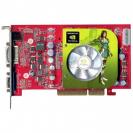
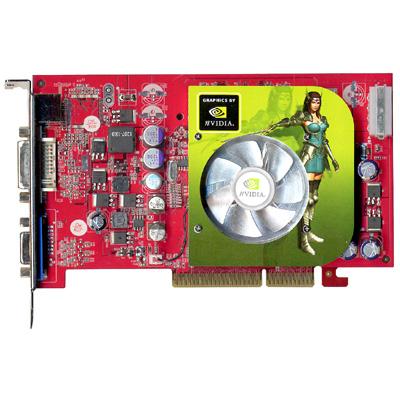
Have you thought of trying the 6600GT range it has a 128ram or 256ram and maybe cheaper and do the same job have a look on the web for it
-
Hello back EmilyLCO thank you for the greeting P.S. what i find the best way of get through some levels is to take a break and try again and again







LARA CROFT ONLINE TOMB RAIDER HOME PAGE
© Lara Croft Online All rights reserved. "Serving Tomb Raider Fans Since 2001"
Lara Croft ® and Tomb Raider ™ are trademarks of © CDE Entertainment Ltd. All rights reserved.