
Guested Account
Members
-
Joined
Everything posted by Guested Account
-
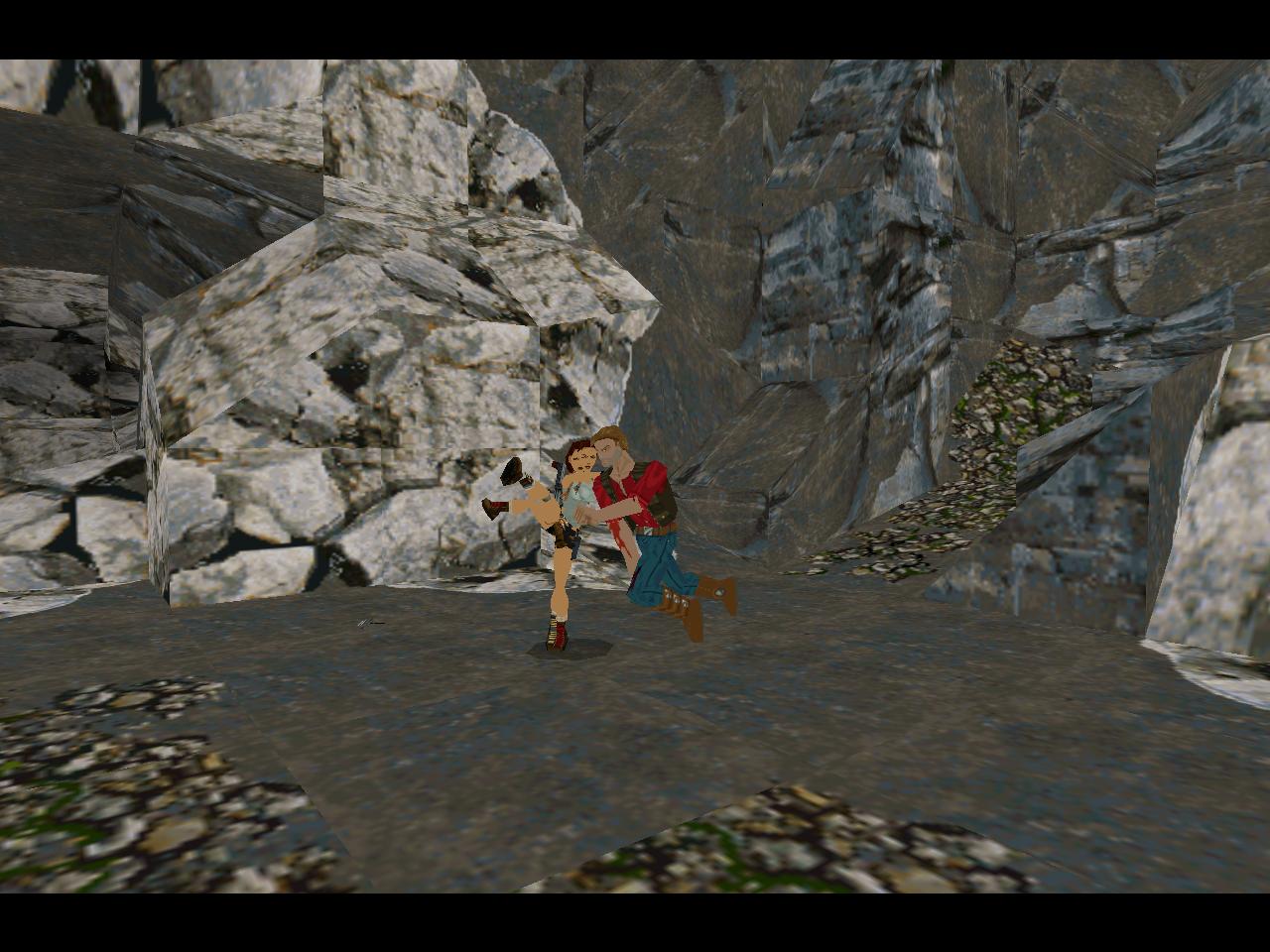
playing the TR 1 Revised custom level and I have no idea what these 2 are doing!!

-
Special Forces Urban of course; the swimsuit and the evening dress are not practical for Raiding Tombs!!
-
you are welcome Hardkore!! Enjoy yourself here at LCO!!
-
don't forget the sidebike in TR Last Revelation!! Worst vehicle of the entire series including TR Legend!! It was hard to control and it took forever to back up and align for a jump!!
-
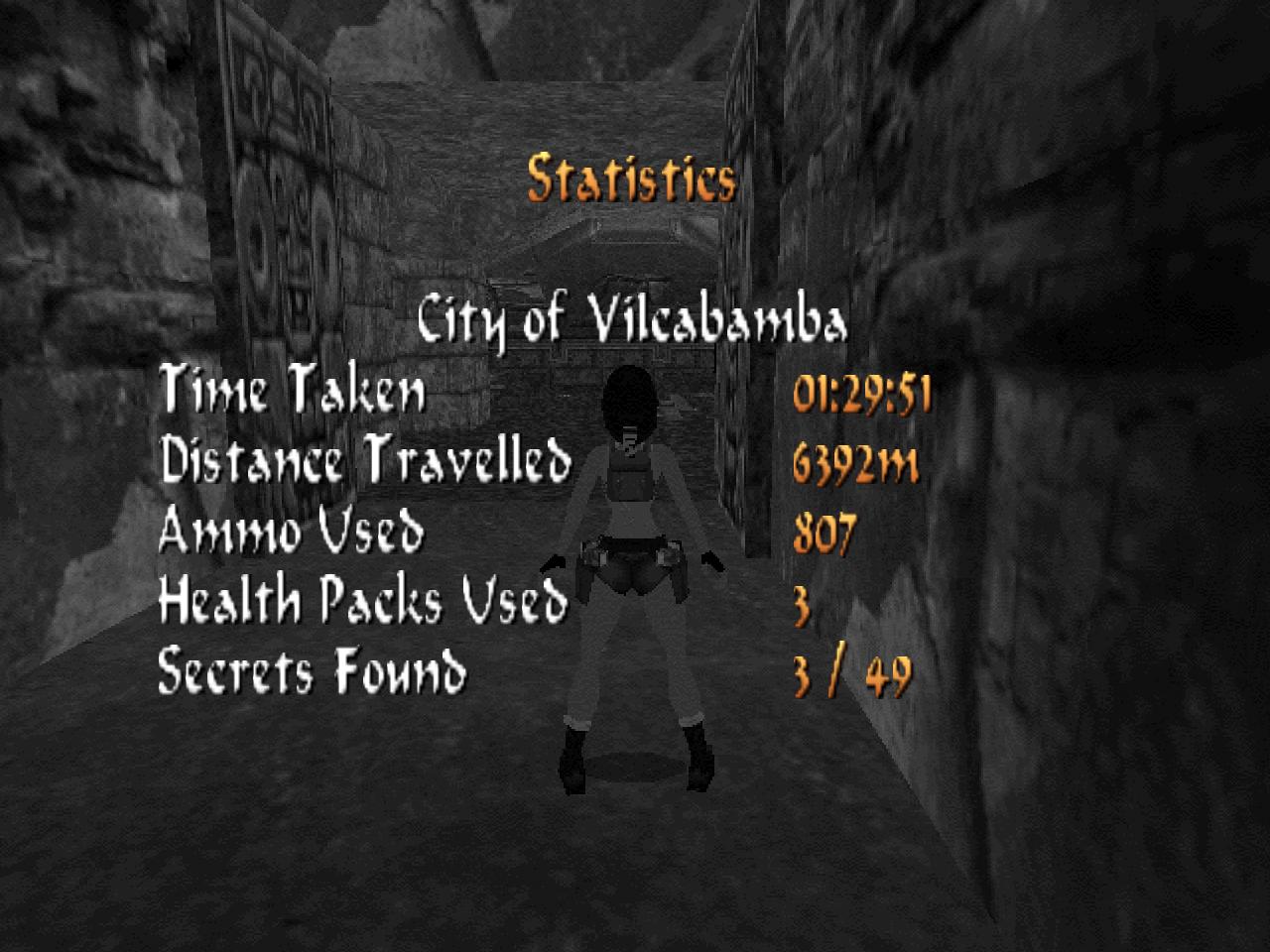
I finished the Cave Level, finally!!

-
That fixed it!! I am running it in 1280x960 16bit and I can go up to 1280x1024 32bit if I wanted to!! Thank You Raekwon!! You are soooo Smart!! ooooh 5 Big Bad Wolves!! What would Lara do?

-
it won't let me change the game path I don't have the TRLE disc installed on the PC and I have no idea where it is; it's in storage somewhere...
-
how do you change the resolution?
-
WOW!! THANKS TOM!! it's still pretty grainy and blocky, how do I adjust it, I tried keys F1 to F12 and nothing works mine doesn't look like anything in the 2 screenshots!!
-
what makes yall think I'm the one who logs in Anonimously? It could be anyone here!!
-
it's from that new Tomb Raider Angel of Darkness redone on the Interactive DVD Game...
-
Actually she looks like a younger Lindsay Lohan!!
-
it is a program that once you installed allows you to subscribe to websites which offer the RSS service and get updates from them without the need to open the website every so often. if you subscribe to the LCO forum for example (RSS on the bottom left corner), you will be able to know which boards have been updated (with new posts) without having to check several times a day by opening each one. it's so cool!!
-
dang it, I didn't use the satellite view to place my marker and now that I did and zoomed in all the way, I am off by a few feet. wow talk about detailed!! By the way Raekwon, I have a company that comes out every 2 weeks to take care of the lawn and trees and shrubbery and one for the pool too.
-
wow it even has my street and neighborhood...
-
go into the virus vault and delete it manually
-
me 2
-
Google wants to buy YouTube and call it GooTube!! Kind of sound dirty!!
-
I simultaneously DL 2 at a time at about 5 minutes each time and got all of them in 26 min!!
-
maybe try using a level skip cheat code and skip to the next level but I don't recommend it: http://www.tombraiders.net/stella/cheats/tr6cheats.html
-
I rebooted the game using a previous save; you should always have more than one save game to fall back on. you played from Level 2 to Level 20 without saving; how did you manage to do that? if you had died, wouldn't you had to restart from Level 2?
-
are you playing on the PC or Playstation 2? I noticed this same problem when I played on the PS 2 and after a bit of frustration, I found out I went down the wrong passage in the tunnel!!
-
I don't think it's true because they are in India together right now making a movie together!!
-
Don't forget to grab the shotgun at the beginning of the India level and don't use, save the ammo for later!!
-
This is the way I played it: India, Nevada, London, South Pacific, Antarctica


LARA CROFT ONLINE TOMB RAIDER HOME PAGE
© Lara Croft Online All rights reserved. "Serving Tomb Raider Fans Since 2001"
Lara Croft ® and Tomb Raider ™ are trademarks of © CDE Entertainment Ltd. All rights reserved.