
Guested Account
Members
-
Joined
Everything posted by Guested Account
-
The final Domestic and International Trailers for "The Simpsons" Movie International (25.8 MB): right click and save target as: http://a69.g.akamai.net/n/69/13042/v1/quic...848_fa2__hd.mov Domestic: (when download is complete; change the .dll to .mov and use Quicktime to play it) right click and save target as: 480 720 1080
-
I killed the 2 centaurs last night with just the shotgun; whenever their rage meter goes up and they start firing they green ray, I had Lara duck and then I moved Lara out of the way when they charged her. Lara did not get one single damage hit and I didn't use any medipack. I found out if you have Lara chase them from behind and shoot them with the shotgun when the target reticle turns from white to red, they will receive major damage to their health bar. There is no need to use the grapple to take their shield away and use it as a deflector dish or any of that nonsense!!
-
and one of them talk too: http://www.necaonline.com/product/detail/44706 http://www.necaonline.com/product/detail/44709 I did some google research and they are only about $35 each!! I want them!!
-
don't forget to pull the wooden platform that floats up when you flood the area 1/2 way with the lower mechanism into the CANAL as close as possible to the exit before you flood the area ALL the way to the top with water
-
:( :(
-
can you reply with the save game as an attachment (Manage Current Attachments Upload below) and let me see what's going on by playing it? the save game will be in my computer/my documents (on left under other places)/Eidos/Tomb Raider - Anniversary/Default Profile or whatever you are calling the Profile of the TRA game you are currently playing/Autosave
-
I tried to listen to some of the commentaries but I can only understand half of it; British Accent is too thick for a poor Yank like me to understand!!
-
if you pushed the 2 blocks down below to the water, you have to lower the water level now...
-
http://www.laracroftonline.com/forum/index...ost&p=22132
-
not me, after watching the video I did it that way... only after killing Lara about a dozen times first!!
-
there is on the platform right below the sandy slide near the base of the center pillar, look up!!
-
did you use the crevices in the center pillar to reach the higher level and then jump to the ledge by the wall near the high exit door?
-
you don't have to pick up the all the secrets and medipacks to complete the Time Trial? oh no wonder it keeps ending for me when I am still at the bear part.
-
you have to pull back up on the platform, run and jump and hook up to the FIRST ring, turn Lara around on the grapple rope, and then swing back and forth to jump and hook up to the second ring and make sure Lara is position at the very bottom of the rope before she does.
-
Did you pick up all the Secrets and Medipacks too?
-
Ms. Croft means you can go to one of the bridges that's down already and do a running jump diagonally toward the next bridge and the next; Lara will grab the edge and then pull her up. Use the side of the bridge closer to the center pillar that supports all 4 bridges because the spacing in between the bridges is narrower there.
-
use a DRY qtip and the tip of a paper clip, get all the stuff out of it from around the space between the buttons/analog sticks, dpad and the controller and anywhere you see dirt and grime and lint and dust, etc
-
I watched this video 3 times already and I still don't understand how you can tell it's a FAKE IPhone: http://www.youtube.com/watch?v=f_8wuVEYMZ8...efreak%2Ecom%2F
-
take your controller apart carefully, (the screws are on the bottom, you will need a tiny flat head screwdriver), clean everything off: dust, lint, dead skin and dirt that accumulates from the sweat of your hands (once your remove the cover) and then put it back together.
-
try here: http://www.filecabi.net/video/dog-cat-lap.html
-
that way buys you a few seconds but you still have to be quick and precise!!
-
Tom and LCO were listed in the credit; I couldn't believe it and he deserves it too!!
-
still no photo of Tom...
-
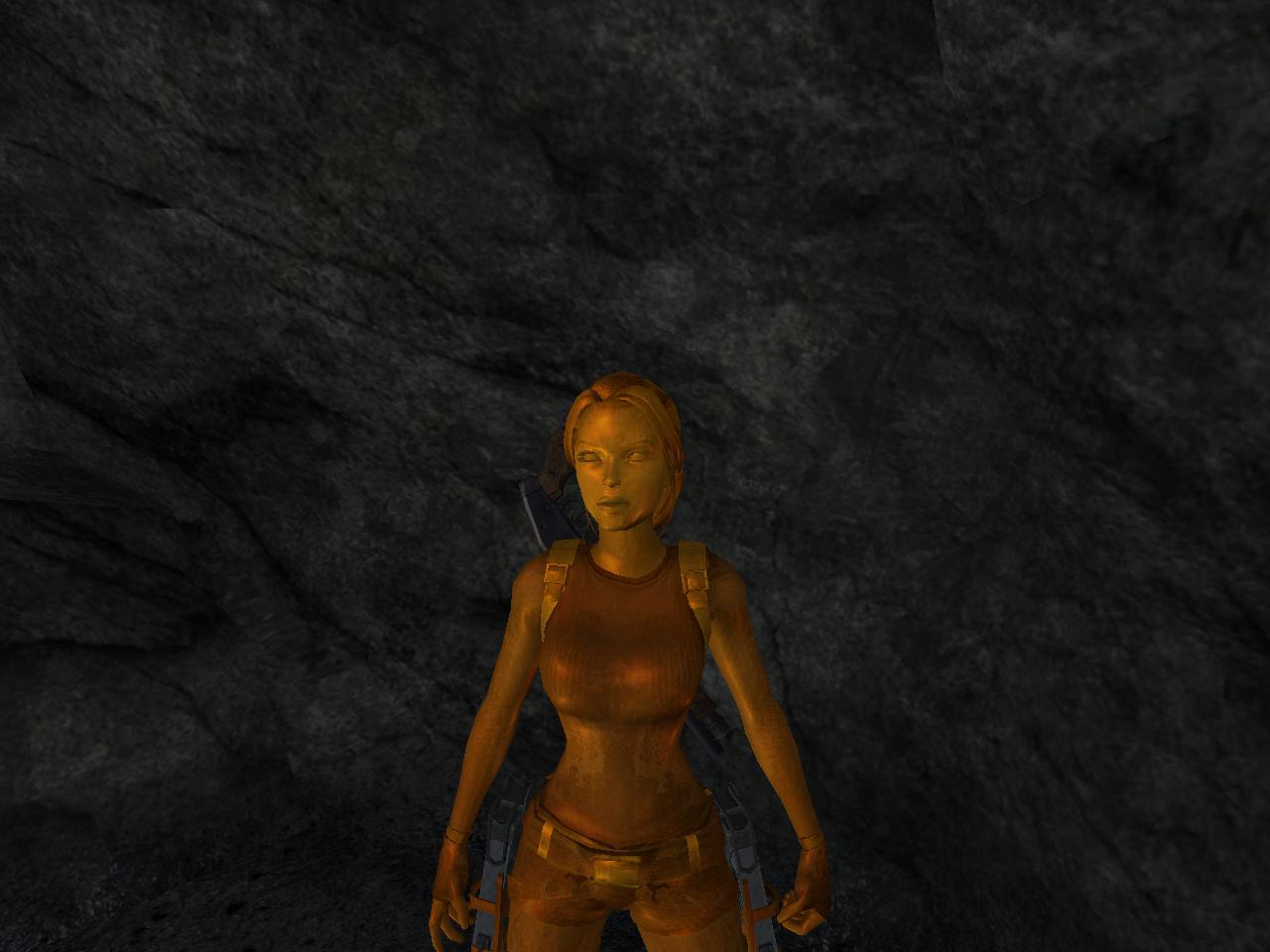
After playing 10 1/2 hours straight (My Father's Day Present from Andrea): Whoohooo and look what I unlocked!! I have unlocked everything (except for only 4 cheats) but I am going back to play it in Hard difficult setting and try the time trials!! Oh and I did it with just a Keyboard and an Optical Scroll Mouse!! No Game Controller; No Playstation 2!!
-
when they start the green ray, duck down then as soon as they stop, use the grapple to get the shield off them (grapple to hook and action to pull it off)

LARA CROFT ONLINE TOMB RAIDER HOME PAGE
© Lara Croft Online All rights reserved. "Serving Tomb Raider Fans Since 2001"
Lara Croft ® and Tomb Raider ™ are trademarks of © CDE Entertainment Ltd. All rights reserved.